Live Translation for Public Events
Broadcast your speech in multiple languages. Attendees listen on their phones in the language they choose.

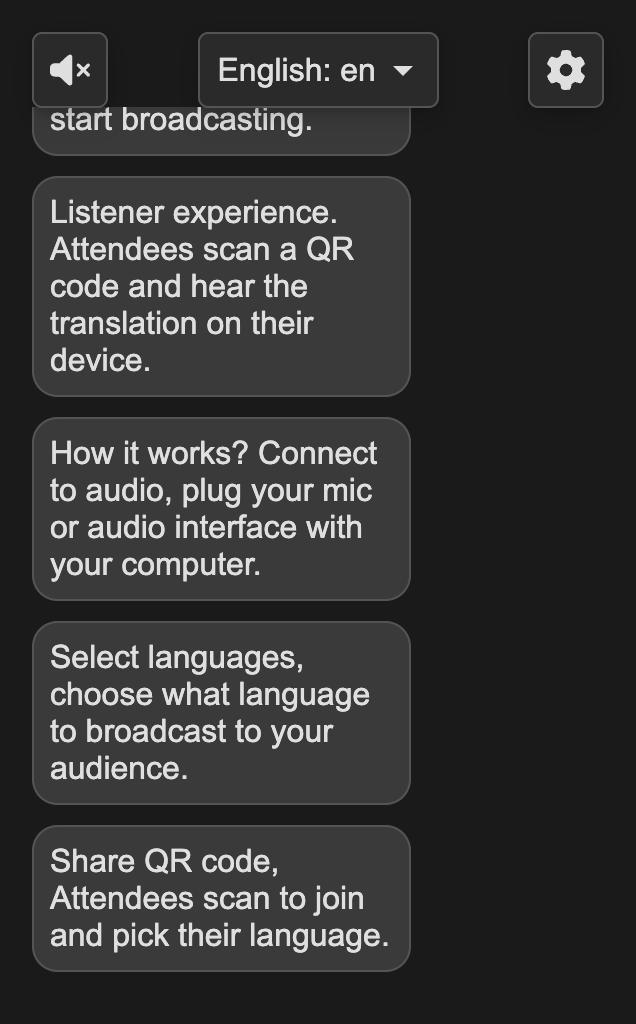
How It Works
Connect Audio
Plug your mic or audio interface into your computer
Select Languages
Choose which languages to broadcast to your audience
Share QR Code
Attendees scan to join and pick their language
Start Speaking
Your words are translated and streamed in real-time
Simple Setup
Use your computer's built-in microphone, a USB mic, or connect a Focusrite Scarlett Solo (or similar USB audio interface) to your venue's sound system via the headphone or speaker out port.
Built for Live Events
Real-Time Translation
Your speech is translated instantly as you speak, with minimal delay.
40+ Languages
Reach global audiences with support for dozens of languages.
No App Required
Attendees simply scan a QR code and listen in their browser.
Personal Audio
Each listener hears the translation through their own device and headphones.
Ready to reach every attendee?
Create your free account and start broadcasting in minutes.